
How to Manage Profile Information
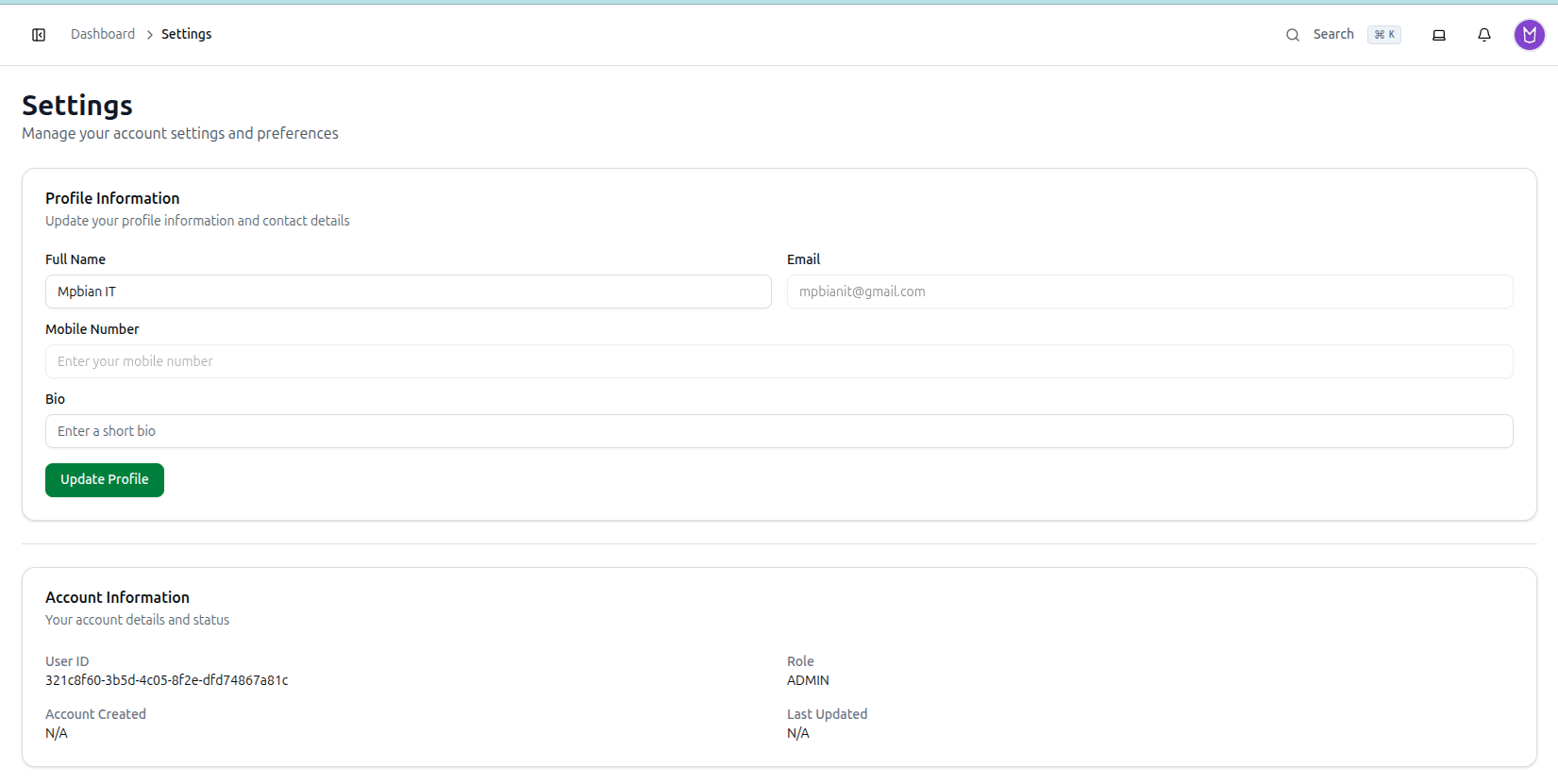
Keep your personal details up to date from the Profile Information card on the Settings page (/dashboard/settings).
- Update your Full Name and Bio — both are editable.
- Email and Mobile Number are shown for reference but are read-only here and cannot be changed from this page.
- Click Update Profile to save your changes.
Related: Managing Usage, Plans & Settings — Full walkthrough