
How to View Payment History
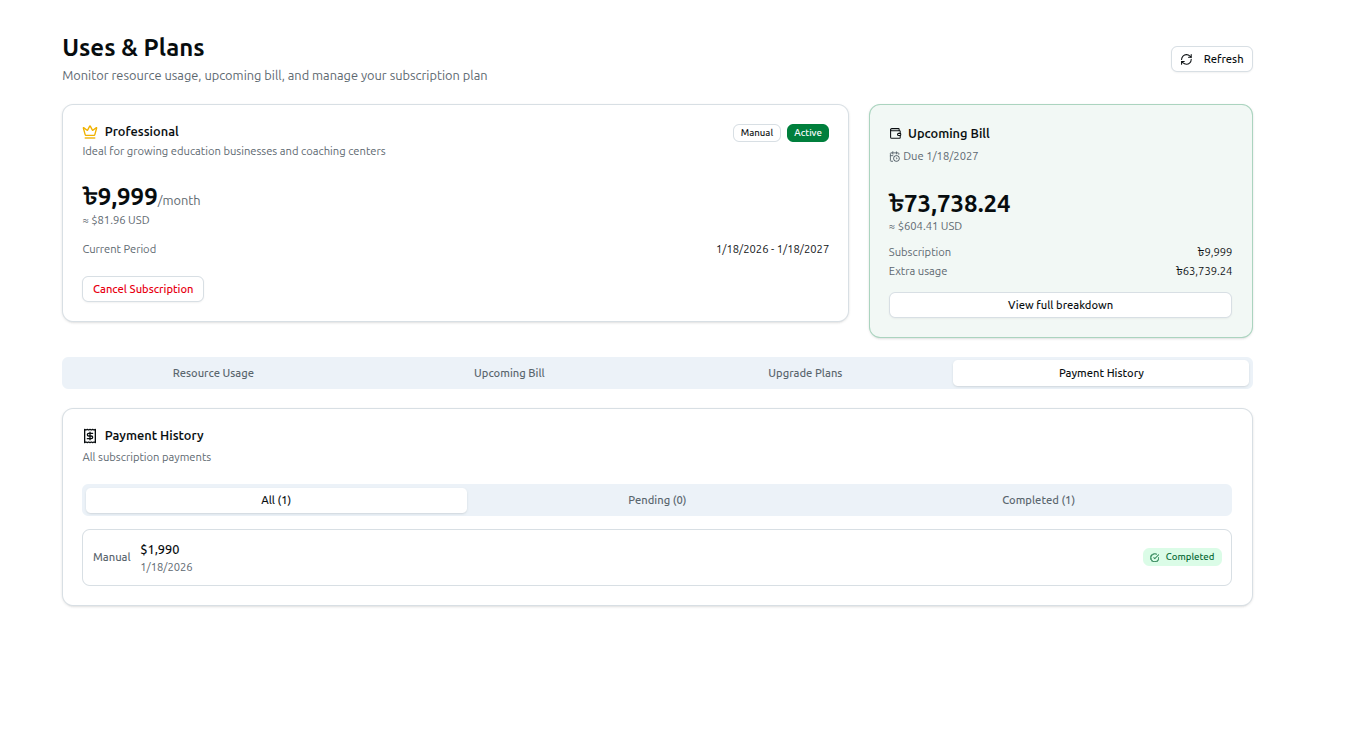
The Payment History tab on the Uses & Plans page (/dashboard/uses-and-plans) maintains a ledger of your financial transactions with the platform.
- Use the All / Pending / Completed filter tabs (each with a live count) to narrow the list.
- Each entry shows the payment gateway, amount, date, and a status badge — completed payments show a green checkmark, failed ones show an X.
Related: Managing Usage, Plans & Settings — Full walkthrough