
How to Read Operational Insights
The Insights that matter now card turns your raw numbers into automated alerts, so risks don't go unnoticed.
- Student capacity usage exceeding 80%
- Storage usage exceeding 80%
- Any pending payment follow-ups
- Payment completion rate below 70%
- If none of the above are triggered: "No urgent risk detected in current operations"
Below the alerts, three summary boxes show:
- Pending Collection — total pending amount in ৳
- Exam Inventory — total number of exams
- Discount Given — total discount amount in ৳
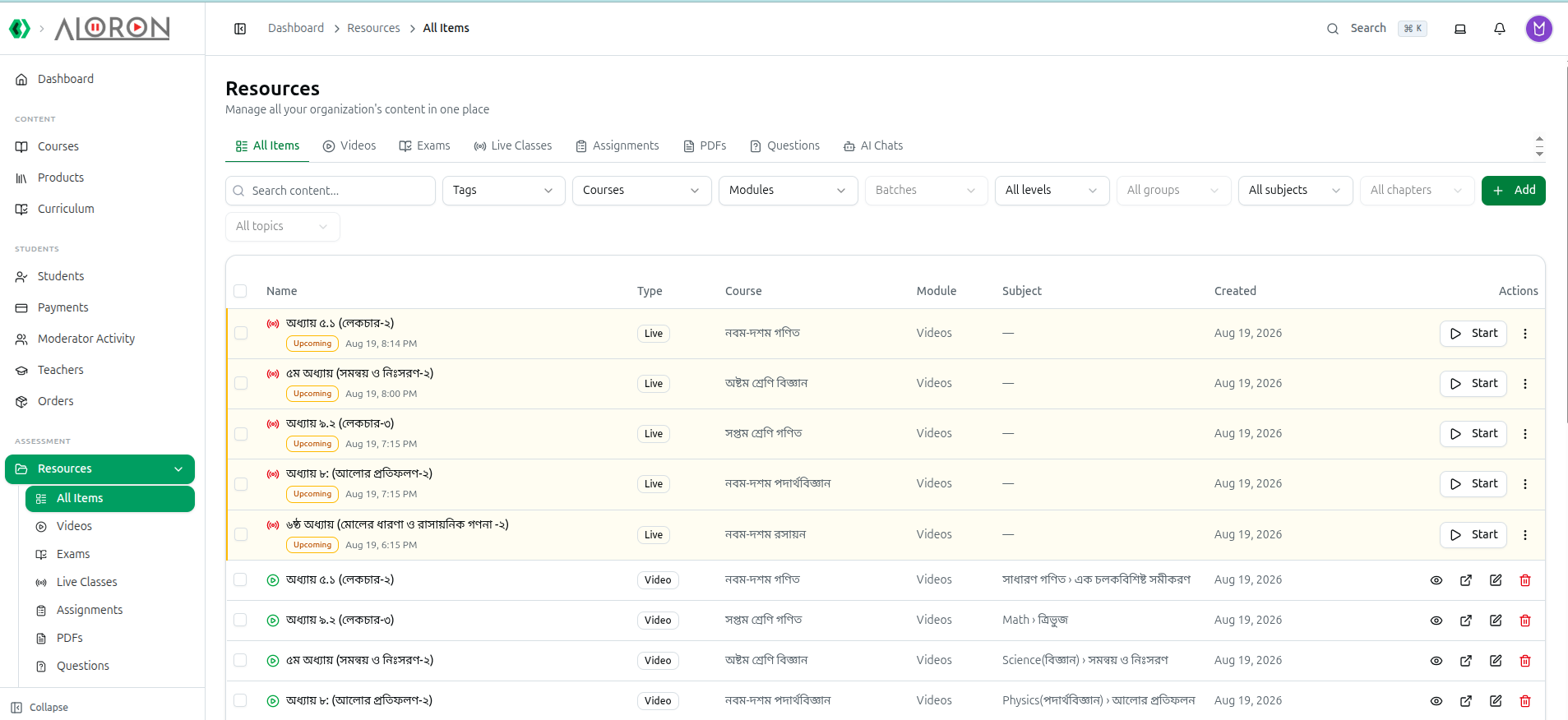
The Exam Inventory count reflects everything visible in your Resources Library — the central place where exams, videos, PDFs, and questions are managed.
Related: Dashboard Analytics Overview — Full dashboard walkthrough