
How to Use Quick Actions
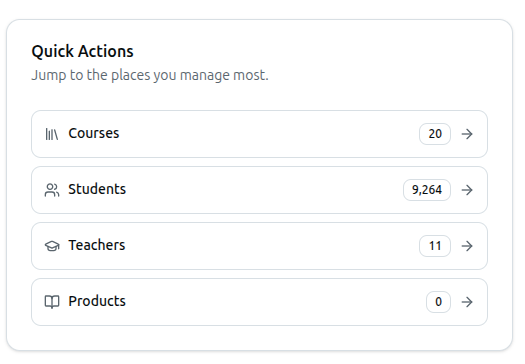
The Quick Actions card gives you one-click shortcuts, with live counts, to the sections you manage most.
| Action | Shows |
|---|---|
| Courses | Total course count |
| Students | Total student count |
| Teachers | Total teacher count |
| Products | Total book count |
Click any row to navigate to that section.
Related: Dashboard Analytics Overview — Full dashboard walkthrough