
How to Open the Dashboard
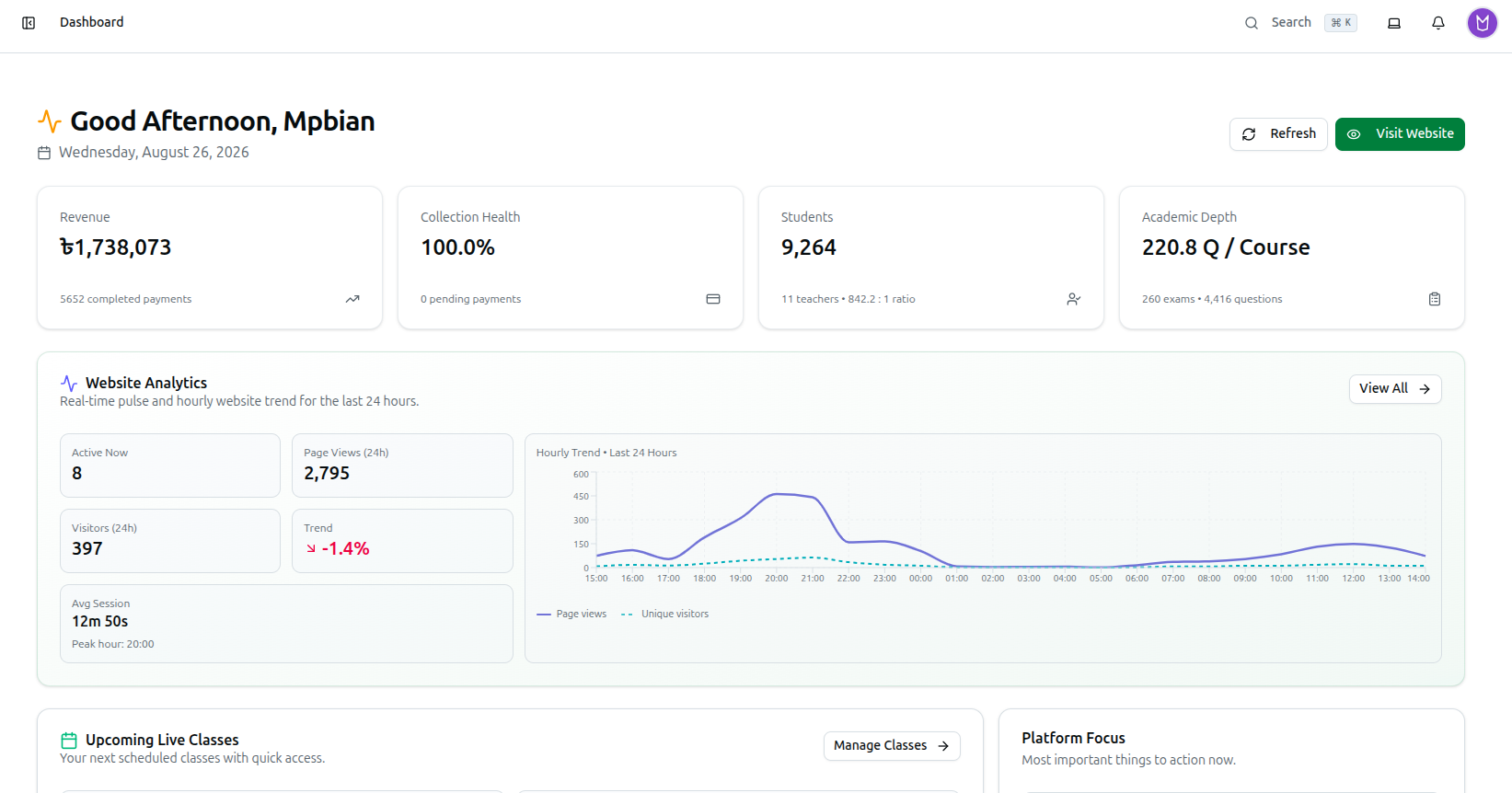
The Dashboard (/dashboard) is the first screen you land on after logging in, and it's where you refresh your data or jump to your public website.
- Log in to the admin panel
- You are automatically taken to the Dashboard at
/dashboard - The page header shows a greeting based on the time of day (Good Morning, Good Afternoon, or Good Evening), your name, and the current date
- Click the Refresh button in the top-right to reload all data
- Click Visit Website to open your organization's public website in a new tab
Related: Dashboard Analytics Overview — Full dashboard walkthrough