
How to Check Upcoming Live Classes
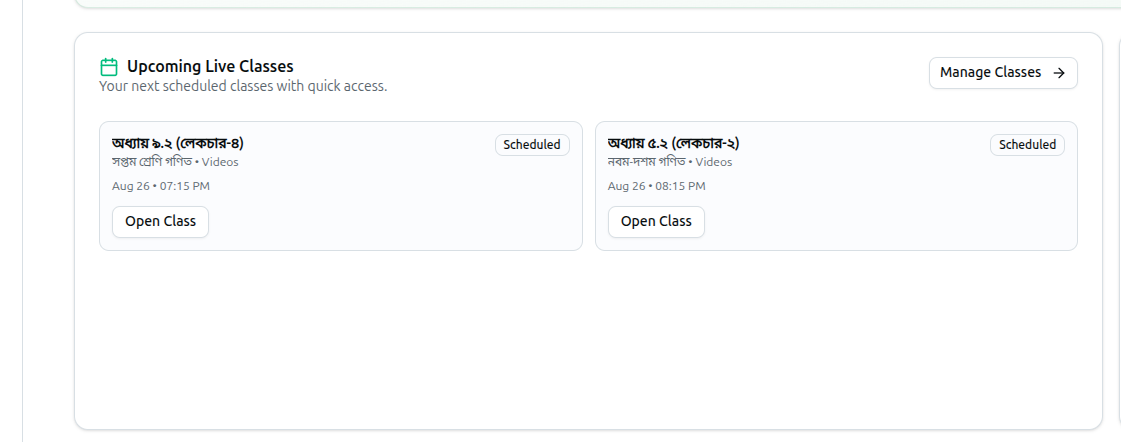
If your organization type is Online Platform or Individual Educator, the dashboard surfaces an Upcoming Live Classes card so you don't have to open the Courses page to see what's scheduled next.
- Up to 4 scheduled classes are shown, each with its title, course name, module name, scheduled date and time, and a status badge (Live or Scheduled)
- Click Open Class or Manage Classes to go to the Courses page
- If nothing is scheduled, the card instead shows a "No classes scheduled" message with a Schedule a class shortcut
Related: Dashboard Analytics Overview — Full dashboard walkthrough